

- Home
- Services
- Automated Translation
- TECHVED AI
- Case studies
- CLIENTS
- More

Let's get started
We believe in advancing your business growth with innovative ideations and strategies
Get In Touch


 Back
BackMultilingual UX for Indic Scripts: Where Regional Language Products Quietly Break
#MultilingualUX #IndicScripts #RegionalLanguage #DesignSystems #DigitalAccessibility #TECHVED #TECHVEDConsulting

Jay Anthony
25 September 2026 | 7 min read
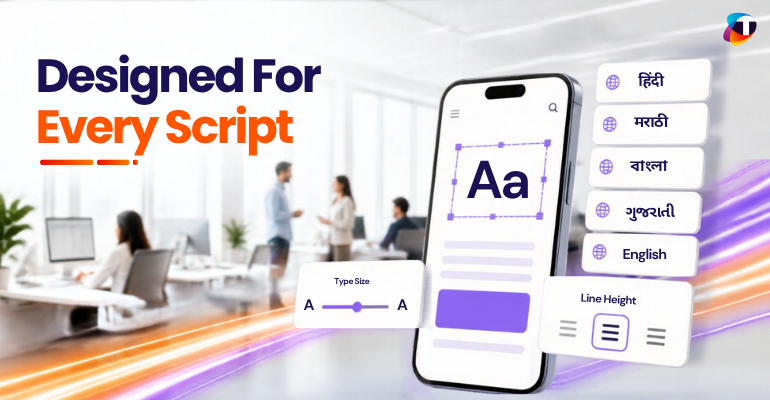
A leading insurer launches its policy servicing portal in nine languages. The translations are professional, reviewed by native speakers, signed off by regional business heads. Within two weeks, complaints arrive from Maharashtra and West Bengal — not about the words, but about the screen. Buttons show half a label. A customer's own name is rejected by the form. On mid-range Android devices, paragraphs render as rows of empty rectangles.
Nothing was mistranslated. The language was correct and the multilingual interface was wrong. This is the failure most enterprises discover only after launch: multilingual capability is treated as a content problem, handed to a translation vendor, and poured into a website or mobile app designed, spaced and tested entirely in English. The words change. The typography, spacing, validation and search logic do not.
Why Multilingual Support for Indic Scripts Is Under Pressure
Almost all of India's incoming internet growth comes from users who do not transact comfortably in English. For banking, insurance and healthcare, the regional language interface is no longer a goodwill gesture — it is the primary digital experience for the next hundred million customers, and multilingual UX has moved from differentiator to baseline expectation.
Regulation has sharpened the deadline. Consent, disclosure and grievance flows increasingly must appear in a vernacular language the customer genuinely understands, and comprehension is hard to evidence when the consent screen truncates mid-sentence or renders in a fallback font. What began as a growth initiative is now a compliance exposure, and the multilingual interface is where that exposure becomes visible.
The Shift Toward Script-Aware Multilingual Design
The first generation of language localization programmes optimised the translation pipeline: glossaries, translation memory, vendor SLAs, machine translation with human review. Most large enterprises do this competently. The problem is that localisation ends at the string, handed to a front end assuming Latin metrics — where the quality won in translation is destroyed at render time.
The shift underway is to treat script as a design input, not a downstream substitution. Type scale, line height, component padding and input handling are defined per script from the outset, carried in the design system as design tokens. It is the move regionalization of UX made for content patterns, applied one layer deeper — to rendering itself.
Where English-First Multilingual Websites and Apps Fall Short
The multilingual UX failures are consistent across organisations, and nearly all trace back to design decisions made before a second language existed:
- Text expansion, where Indic scripts run twenty to thirty percent longer than English and overflow fixed-width buttons, navigation and table headers
- Vertical clipping, because Devanagari carries matras above and below the baseline and Tamil and Malayalam have deep descenders, so Latin-tuned line heights cut glyphs off
- Font fallback gaps, where the webfont has no Indic script coverage and the device substitutes an inconsistent system font, or nothing at all
- Truncation that breaks conjunct characters, so an ellipsis lands mid-ligature and leaves regional language text unreadable rather than merely shortened
- Validation and search built on Latin assumptions — name fields rejecting non-Latin characters, sorting that ignores language-specific collation, search that fails on transliterated queries
What Script-Aware Multilingual UX Looks Like in Practice
Addressing this is systematic rather than cosmetic. Four practices separate multilingual products that survive rollout from those that break:
Typography defined per script, not globally. Each Indic script gets its own type scale, minimum line height and font stack, tested on the mid-range devices the audience uses. Devanagari does not inherit Latin line height, and Bengali does not inherit Devanagari's.
Components that flex rather than fix. Buttons, cards and table cells grow with their content and are validated against the longest supported translation, making text expansion an expected state in the design system rather than a production defect.
Input designed for how people type. Most users reach Indic text through transliteration keyboards or voice, not native layouts. Multilingual forms should accept Unicode across scripts, validate on meaning rather than character range, and handle variant spellings in search.
Accessibility and language-correct semantics. Every block declares its language so screen readers pronounce regional language content correctly — a WCAG requirement as much as a usability one — while numbers follow lakh and crore grouping and dates render in local convention.
The Business Case for Multilingual Design Done Right
The return on multilingual UX appears in operational metrics well before brand sentiment:
- Higher completion on onboarding, KYC and claims journeys where drop-off was blamed on user hesitation rather than broken regional language screens
- Lower support volume, as calls caused by unreadable interfaces and rejected valid inputs leave the queue
- Stronger compliance evidence, since consent screens demonstrably render in full in every language offered
- Faster rollout of each new language, absorbed through design system configuration instead of fresh layout remediation
- Wider digital accessibility, as the same script-aware foundations that fix rendering also improve screen reader and low-vision experiences
Multilingual Design in Action: A Regional Language Rollout
Consider a retail lender whose regional language app launched as a mirror of the English version. Completion on the loan application fell sharply for Marathi and Bengali users, and the internal assumption was low digital confidence in that segment. Session recordings told another story: the address field rejected valid Devanagari input, and the summary screen truncated the sanctioned amount because the label beside it had overflowed.
Neither was a content defect, and neither would have surfaced in a translation review. Both were resolved by moving typography and component sizing into script-aware design tokens and rebuilding form validation around Unicode ranges. Completion recovered to within a few points of the English journey, without a word of translated copy changing.
The Future of Multilingual Interface Design in India
As voice and conversational interfaces spread into regional markets, the gap between a translated product and a multilingual product designed for its script will widen. Systems will need to move between Indic scripts, speech and transliterated input in one session, and organisations that treated script as a design primitive will absorb that shift as configuration while others rebuild their digital experience.
Conclusion
Translating an interface and designing a multilingual one for another script are different disciplines, and conflating them leaves enterprises with nine well-translated languages and one usable experience. The words are the easy part. Typography, flexing components, input handling, accessibility semantics and search are where linguistic intent survives or quietly fails.
Organisations treating language as a first-class dimension of digital transformation — rather than a localisation task appended to a finished product — build digital estates that scale across India's linguistic reality. At TECHVED, this is the thinking we bring to multilingual experience work: design systems where every Indic script is a designed-for case, not an accommodated one, extending the cultural trust a well-localised product is meant to earn.
FAQ's
Why do multilingual interfaces break even when the translation is accurate?
Translation replaces the text but not the layout or logic around it. Indic scripts run longer and taller than English, so fixed-width components overflow and fixed line heights clip glyphs whatever the translation quality.
How much longer is Indic text compared to English?
Text expansion in Devanagari and other Indic scripts typically runs twenty to thirty percent longer than English, so components validated only against English strings overflow once the longest translation is applied.
What causes empty boxes to appear instead of Indic characters?
The webfont has no glyph coverage for that script, so the device falls back to a system font — and where no suitable fallback exists, the browser renders placeholder boxes instead.
Why do name and address fields reject valid regional language input?
Validation rules are often written against Latin character ranges, so anything outside them is treated as invalid — rejecting legitimate names written in Indic scripts.
Is script-aware multilingual design expensive to retrofit?
Retrofitting screen by screen is expensive; resolving it in the design system is not. Defining typography and component behaviour per Indic script fixes the defects once, making each new language a configuration change.
Most Popular

Data-Driven Decision-Making: The Overlooked Foundation of Digital Transformation
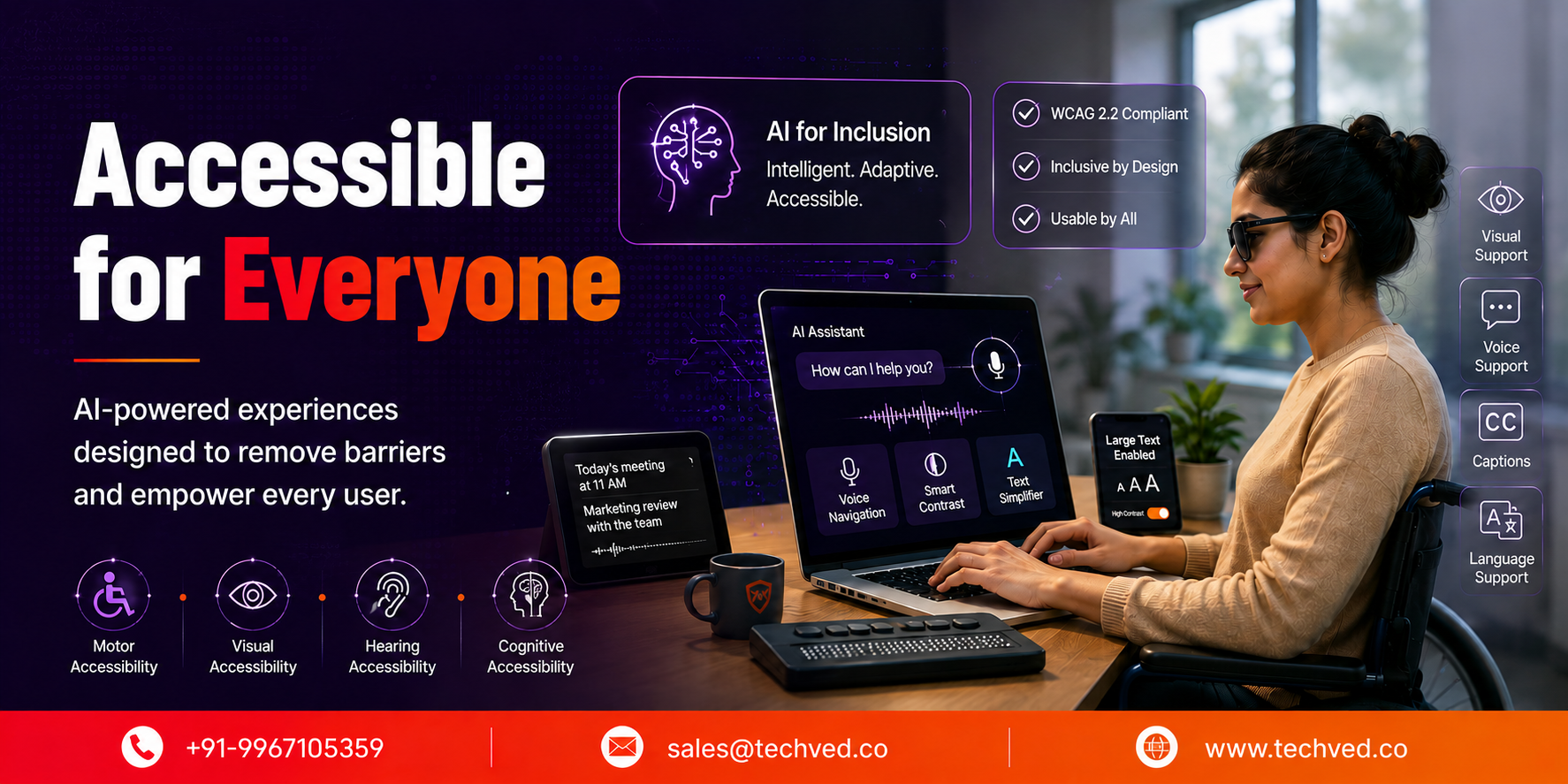
Accessibility in the Age of AI: Designing Inclusive Intelligent Experiences

Inclusive Mobile Design: Building Accessible Apps for Global Users

Anticipatory UX: Designing User Experiences That Predict Intent

Safe Innovation: Implementing AI Chatbots with Strict Data Privacy Guardrails

DPDP 2025 Readiness: Building Credible Platforms for a Data-First World

The Trust Economy: Viewing Cybersecurity as a Growth Strategy
Written By
Jay Anthony
Marketing Head
He led efforts to develop a fully integrated marketing communications plan and growing team. He is responsible for successful corporate re-brand and update of all branded assets.

Stay up-to-date with
all new market trends and
happenings
 #DataDrivenDecisionMaking #DigitalTransformation #EnterpriseAnalytics #BusinessIntelligence #TECHVED #TECHVEDConsulting
Data-Driven Decision-Making: The Overlooked Foundation of Digital Transformation
#Accessibility #DigitalAccessibility #InclusiveDesign #CustomerExperience #DigitalTransformation #EnterpriseAI #TECHVED #TECHVEDConsulting #ExperienceEngineering
Accessibility in the Age of AI: Designing Inclusive Intelligent Experiences
#InclusiveMobileDesign #MobileAccessibility #DigitalAccessibility
Inclusive Mobile Design: Building Accessible Apps for Global Users
From Ideation To Digital Transformation
We take care of all your needs


