

- Home
- Services
We bring to you New-Age Digital Solutions
- Automated Translation
- TECHVED AI
- Case studies
- CLIENTS
- More

Let's get started
We believe in advancing your business growth with innovative ideations and strategies
Get In Touch


 Back
BackDesigning a mobile app ? Say ‘no - no’ to these 4 things !
DesigningaMobileApp

Jay Anthony
22 July 2016 | 8 min read

Mobile apps are ruling. Period! And this is all because the user gets all the information he wants then and there without having to leave the comfort of his personal space, whichever that might be. What makes mobile apps so special? Is it the design or the gestures and animations that come along, the content or the simplicity in it? Either ways, an app should do the job for which it was designed while not letting the user question its existence. There are many instances when the user feels that certain functionality in your app makes no sense at all.
A mobile app ui design comes with its own baggage and messing with the UI will do no good to any app. If your design does not allow the users to access a particular feature, it can lead to a major showdown. What if your design isn’t guiding your users through their entire journey or if the text on your app is too small to be even remotely readable? If you are creating an app, just moving some blocks from a website and shrinking the screen size wouldn’t do wonders. While these are some of the things that you cannot afford to miss out on, ensure that the following ghastly mistakes are avoided as well.
1.Designing a device-heavy app
What is your first step when you get a popup with a horrifying message, “Your device is running out of space”? You rush to the storage settings and check for the apps that are taking up maximum space in your device. And what could be the solution to save your app from such dreadful situation? Make it storage friendly!! Ensure that it is smaller in size yet valuable to your users.
2.Creating a mini version of website
Does creating a miniature version of user’s online experience with websites suffice the purpose of designing an app? This is the one thing that burns almost every designer and developer who fail to understand the actual purpose of introducing an app to the dedicated users. Simply rearranging the blocks and shrinking the screen size won’t actually render great experience for your users.
3.Using exceptionally small fonts
It’s proven user behaviour to read the web content slowly and less comprehensively as compared to the traditional book reading or a newspaper. In such a case, you cannot really mess with the font size on your website. Apart from ensuring that your fonts are readable and double the size of what is normally found on print; make sure that other UI elements are of the desired size. This will have an overall impact on the User Experience perspective.
4.Fixing a single design for multiple platforms
An android user may not be able to quickly connect with the UI on iOS. So, a mobile app ui design should be able to cater to the needs of users on both these platforms. Likewise, the fundamental design patterns when designing for different platforms may vary and the designer must be creative as well as in touch with all these trends.
Making sure that your UI is usable and the functionalities are simple will make your app accessible on the homescreen of millions of user’s devices. And when that is the case, the only way to save your users from pushing the uninstall button is to ace intuitiveness and UX on the whole.
Most Popular
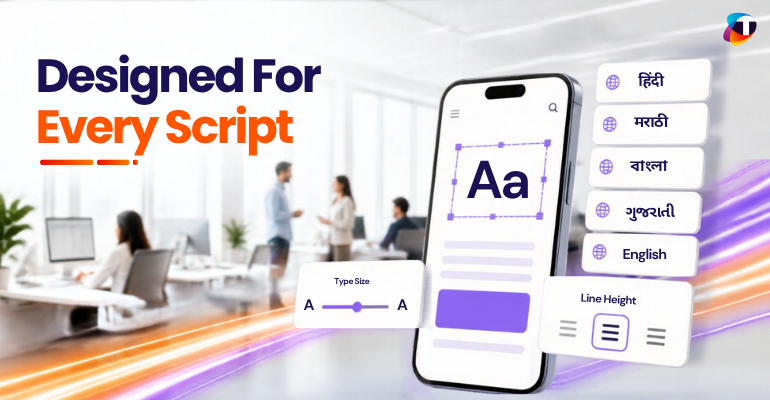
Multilingual UX for Indic Scripts: Where Regional Language Products Quietly Break

Data-Driven Decision-Making: The Overlooked Foundation of Digital Transformation
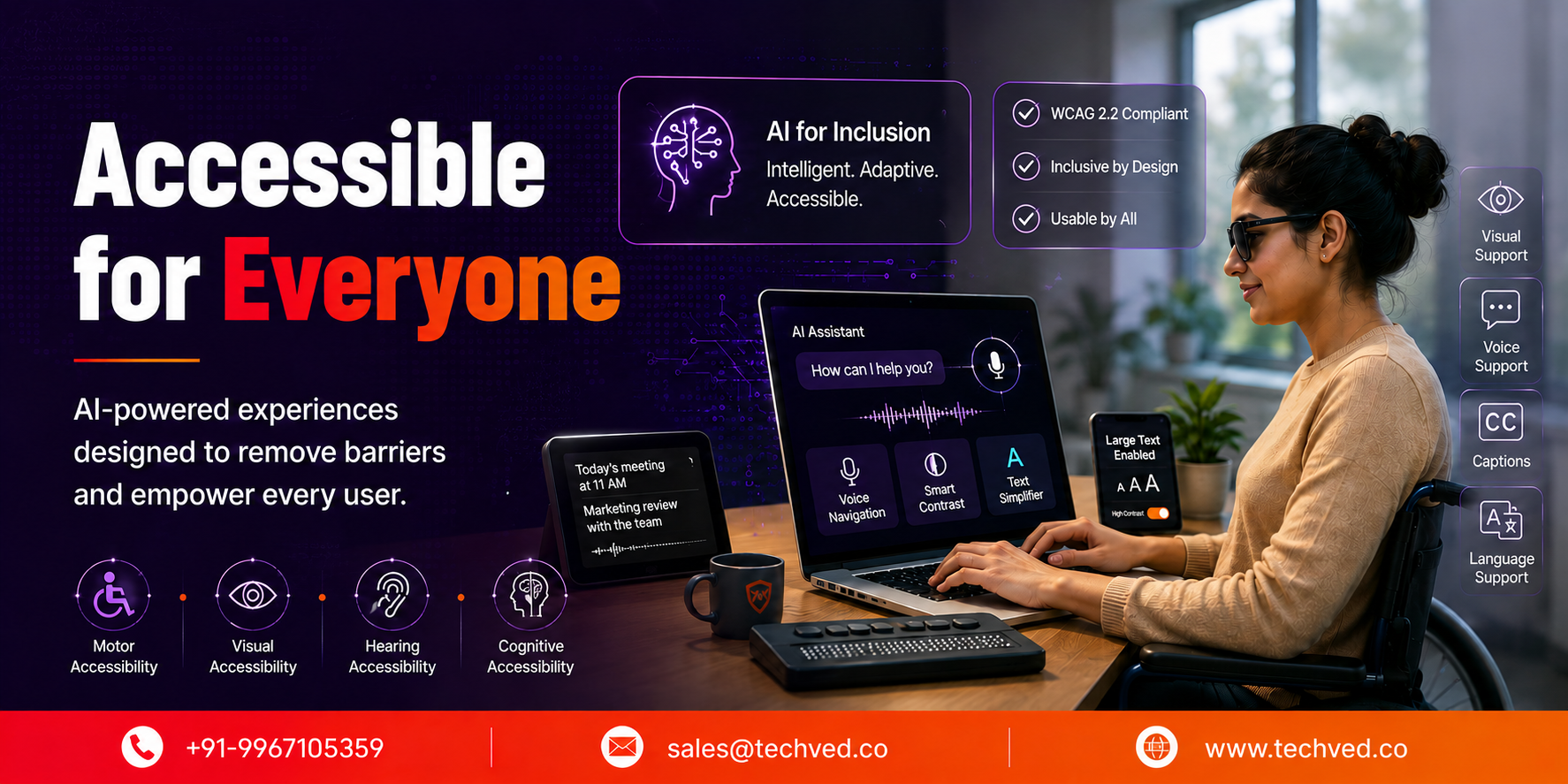
Accessibility in the Age of AI: Designing Inclusive Intelligent Experiences

Inclusive Mobile Design: Building Accessible Apps for Global Users

Anticipatory UX: Designing User Experiences That Predict Intent

Safe Innovation: Implementing AI Chatbots with Strict Data Privacy Guardrails

DPDP 2025 Readiness: Building Credible Platforms for a Data-First World
Written By
Jay Anthony
Marketing Head
He led efforts to develop a fully integrated marketing communications plan and growing team. He is responsible for successful corporate re-brand and update of all branded assets.

Stay up-to-date with
all new market trends and
happenings
 #MultilingualUX #IndicScripts #RegionalLanguage #DesignSystems #DigitalAccessibility #TECHVED #TECHVEDConsulting
Multilingual UX for Indic Scripts: Where Regional Language Products Quietly Break
#DataDrivenDecisionMaking #DigitalTransformation #EnterpriseAnalytics #BusinessIntelligence #TECHVED #TECHVEDConsulting
Data-Driven Decision-Making: The Overlooked Foundation of Digital Transformation
#Accessibility #DigitalAccessibility #InclusiveDesign #CustomerExperience #DigitalTransformation #EnterpriseAI #TECHVED #TECHVEDConsulting #ExperienceEngineering
Accessibility in the Age of AI: Designing Inclusive Intelligent Experiences
From Ideation To Digital Transformation
We take care of all your needs


